Accessibility Info
Discover our accessibility info, including tips, tricks and plugins to ensure browsing the web is as easy as possible…
Inclusion Support Hub has been designed to be as clear, calm and accessible as possible.
While we do not currently provide built-in assistive technology tools, there are many free and widely available accessibility tools that may help you use this website in a way that works best for you.
This page signposts commonly used options that you may not be aware of.
AI Tools for Everyday Support and Accessibility
ChatGPT (Free Version Available)
ChatGPT is an AI-based tool that can support with:
- Breaking down complex information into simpler language
- Drafting or rewording text
- Organising thoughts, notes or ideas
- Planning tasks step by step
- Reducing cognitive overload when starting something feels difficult
Some people use ChatGPT as a thinking aid, writing support or to help process information at their own pace.
Microsoft Copilot
Built into Microsoft Edge and Windows, Copilot can help with:
- Summarising webpages
Explaining content in simpler terms - Assisting with writing and organisation
- Searching and gathering information more clearly
Google Gemini
Google’s AI assistant can support with:
- Understanding information
- Writing and editing text
- Planning tasks and ideas
- Asking questions in plain language
Using A.I Safely
- Be mindful of sharing personal or sensitive information
- Avoid uploading identifiable photos or documents
- Check privacy settings where possible
- Use A.I as support, not a place to store personal data
Other Assistive Technology (Paid Options)
There are also paid assistive technologies available that support physical access, mobility, sensory needs and working comfort. These are not provided or sold by Inclusion Support Hub, but may be worth exploring if they meet your needs.
Examples include:
- Ergonomic keyboards and mice
- Adjustable desks and supportive seating
- Alternative input devices
- Speech to text software
Some people access these through Access to Work funding – Others may choose to self fund depending on circumstances.
Top 3 – Accessibility Chrome Extensions
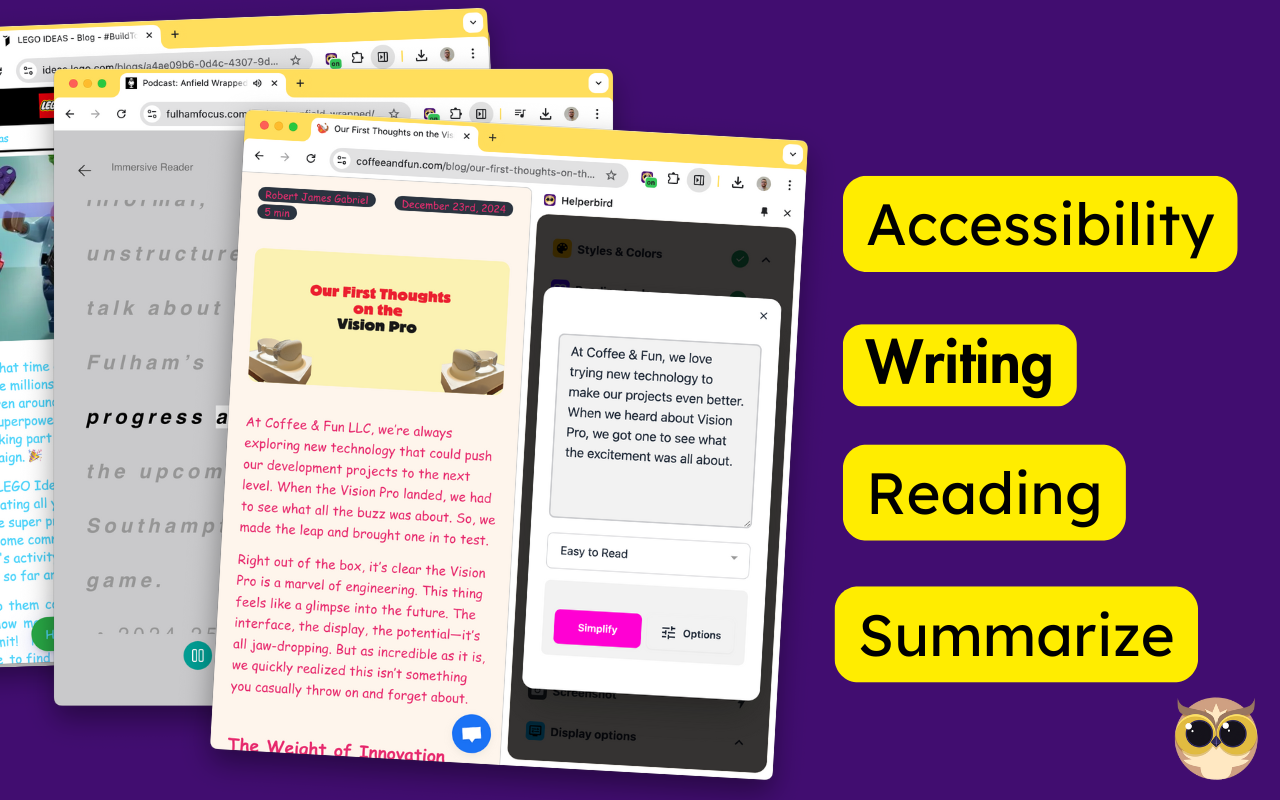
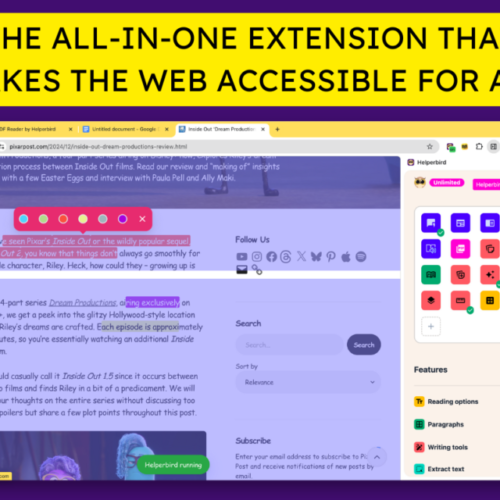
Helperbird: Accessibility & Productivity App
Improve your reading, writing & accessibility. Including Immersive Reader, Summarize, Dyslexia support and more.
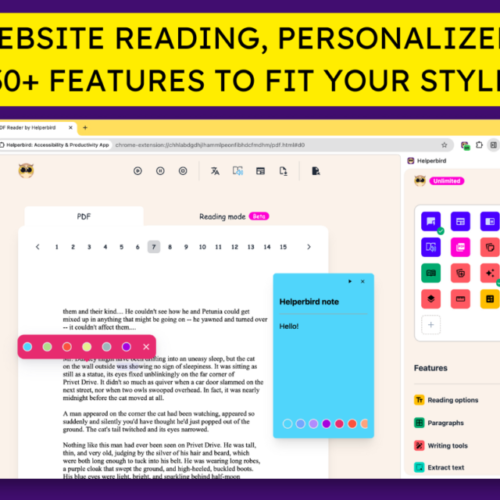
Meet Helperbird, your all-in-one extension designed to help everyone with personalized support, making websites, apps, and PDFs more accessible and productive according to each individual’s abilities, learning style, and lifestyle.
Whether you need dyslexia-friendly tools, writing aids, reading assistance, or accessibility features, Helperbird has you covered!
Speechify — Voice AI Assistant
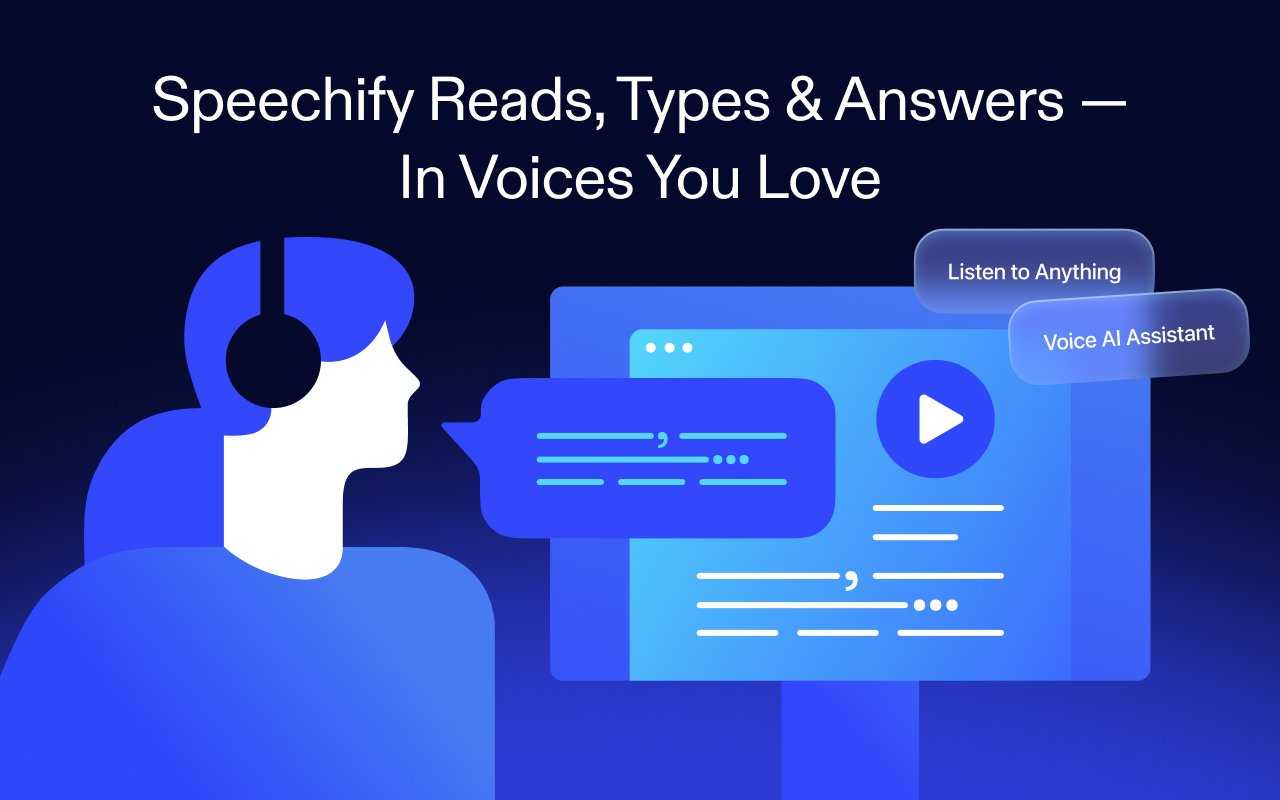
Speechify is the Voice AI Assistant you have always wanted. It reads websites aloud, types as you speak, and answers questions. Trusted by 50+ million users.
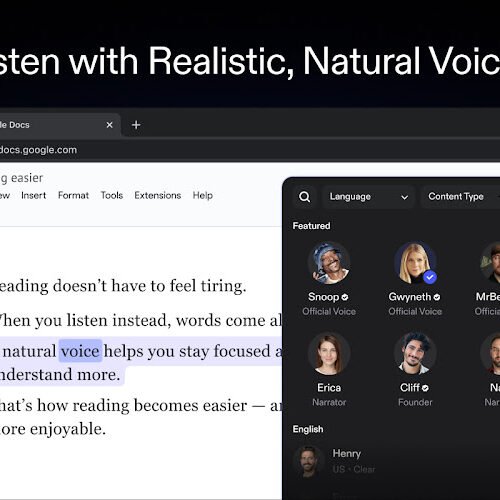
Want to read faster? Speechify reads any Google Doc, PDF, webpage, or book aloud in 1000+ lifelike voices across 60+ languages, at up to 4.5x speed.
Have a question? Just ask – Speechify already has context from the articles, books, and documents on your screen. It’s like talking to ChatGPT, but faster and with more context.
Want to type faster? Speak naturally and Speechify will type every word for you. Speechify combines the world’s most human-sounding text to speech (TTS), voice typing dictation, and voice assistant technology.
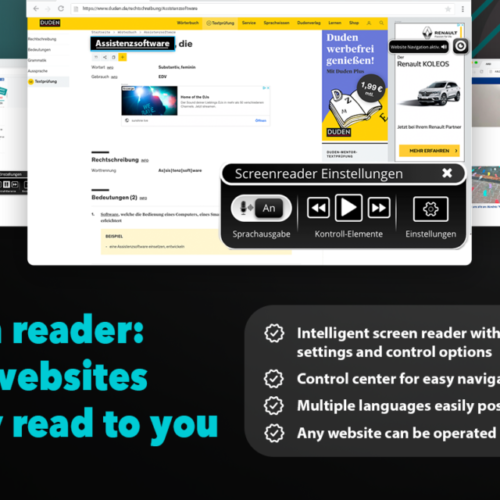
Eye-Able – Accessibility Assistant
Eye-Able will let you see any website the way you need to.
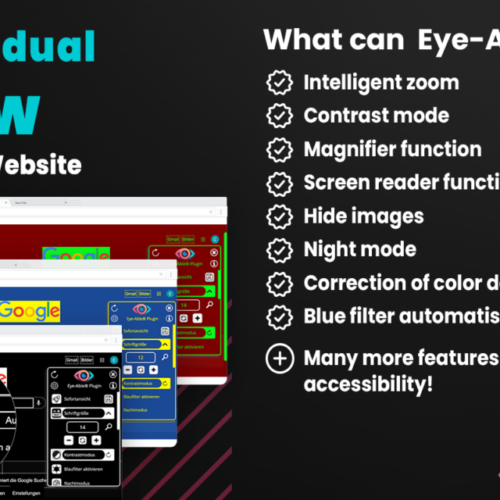
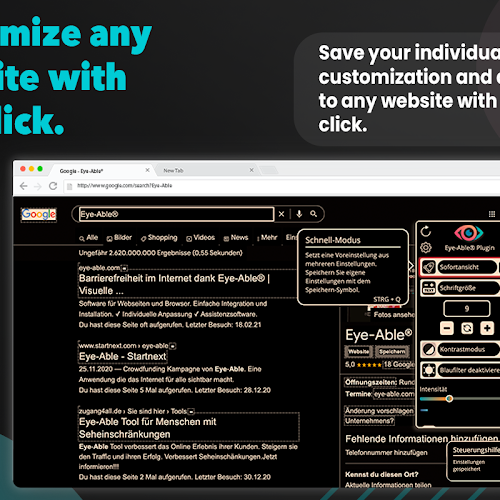
𝗪𝗵𝘆 𝗶𝘀 𝘁𝗵𝗶𝘀 𝗲𝘅𝘁𝗲𝗻𝘀𝗶𝗼𝗻 𝘂𝘀𝗲𝗳𝘂𝗹 𝗳𝗼𝗿 𝘆𝗼𝘂?Eye-Able® is a Chrome extension whose large variety of features allows you to customize any website according to your needs with one click. We want you to see every website exactly the way you need to.
All people should have easy and barrier-free access to information on the internet.
𝗛𝗼𝘄 𝗱𝗼 𝘆𝗼𝘂 𝗼𝘃𝗲𝗿𝗰𝗼𝗺𝗲 𝗯𝗮𝗿𝗿𝗶𝗲𝗿𝘀 𝗺𝗼𝗿𝗲 𝗲𝗮𝘀𝗶𝗹𝘆 𝘄𝗶𝘁𝗵 𝗘𝘆𝗲-𝗔𝗯𝗹𝗲®?
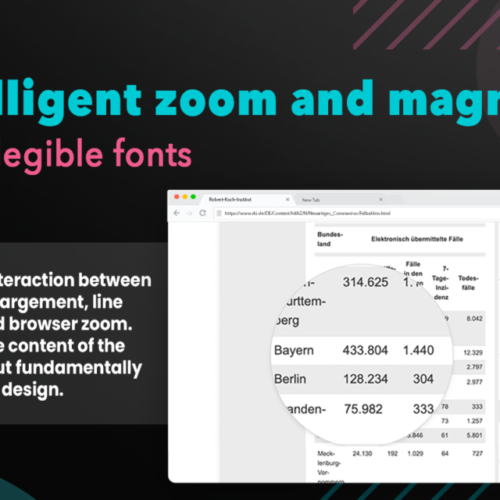
We make websites visible, readable and therefore accessible. With Eye-Able® you can configure every website according to your very own needs. Visual impairments, including color deficiencies and other visual limitations can be compensated for by customizing the content elements as desired. For this purpose we have developed a contrast mode, intelligent font enlargement, a screen reader and several other features.

Feedback and Improvements
Accessibility is an ongoing process. If you experience barriers using this website or have suggestions for improvement, you are welcome to get in touch.
Your feedback helps us continue shaping Inclusion Support Hub in a way that reflects real lived experience.